TipClique
Menu

TipClique: how the picture actually gets made

How the picture actually gets made

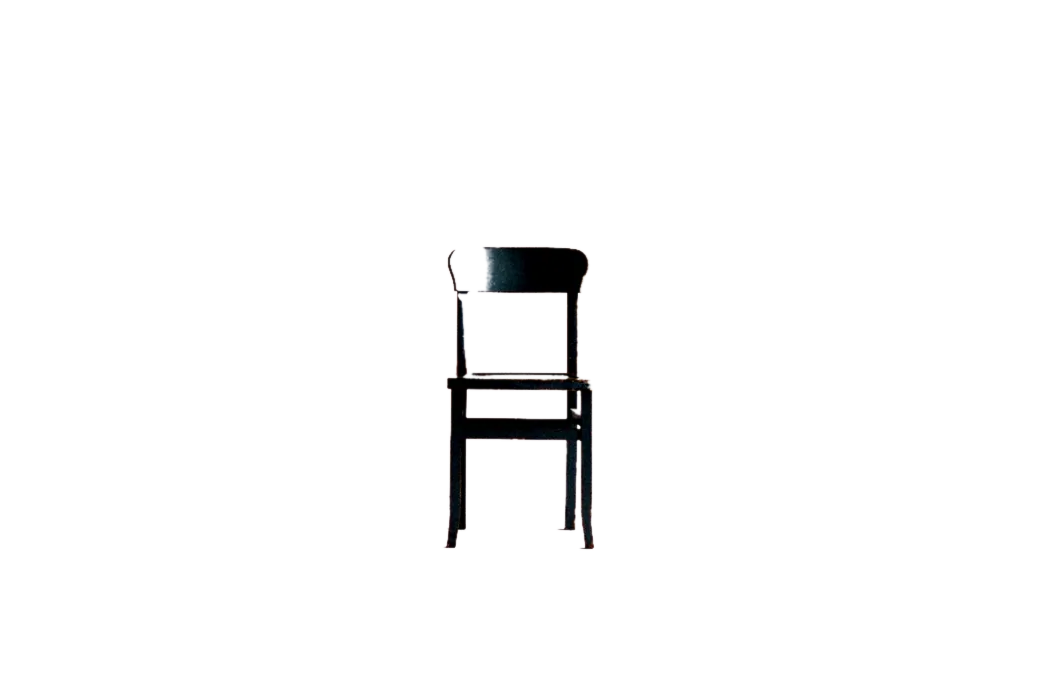
A chair photographed against a studio backdrop, exactly as the camera recorded it.The same chair with its background removed, sitting on the transparency checkerboard.as photographedbackground removed

TipClique is an independent reference on how a picture actually gets made: one operation at a time, in Photoshop first, then Illustrator, PaintShop Pro and the tools this archive outlived.

It ran as a multi author tutorial site from 2006 to 2018, and what it kept from that is the only thing worth keeping: a 20 year memory of which techniques were taught, and therefore which ones still hold. So every page here starts with a judgement rather than a step. A technique is still exactly how you do it, or the software has since absorbed it into a single button, or it works perfectly and dates the picture the moment anyone looks at it, or the program it belonged to is gone. A page that only lists steps has not earned its place, because a thousand pages already list steps and none of them will tell you that the effect you are about to apply was last fashionable in 2006. This site is not Adobe, not Corel and not any other vendor, and it never writes as one.

The 4 judgements, and what they mean

Each technique page opens with 1 of 4 verdicts, and then earns it in the body:

  • CURRENT. This is still how you do it, and nothing has replaced it.
  • ONE CLICK NOW. The software absorbed it. The page names the button, and says when the long way still wins.
  • DATES THE PICTURE. It works, and anyone can tell. The page says exactly what gives it away.
  • DISCONTINUED. The tool is gone. History only, and never instructions.

Where a technique has not been checked against the current software, the page says so instead of guessing. An unjudged technique is honest. A wrong verdict is the one mistake a reference like this cannot carry, because it sends somebody to spend 40 minutes doing by hand what the program now does automatically.

The operations covered here

The operations are the unit of this site, not the software. Each one is a named job somebody is trying to finish right now:

  • Removing a background, which is the single most asked question in this subject and now begins with 1 click, so the page is mostly about the cases where the automatic selection loses: hair, glass, and a subject the same tone as what is behind it.
  • Removing an object from a picture, which is a different operation from removing a background and uses healing and fill rather than selection.
  • Retouching a portrait, colour work such as selective colour and colour to black and white, and the adjustments that keep an edit reversible.
  • Patterns, brushes and textures, including how to build a tile that actually tiles and where free sets lawfully come from.
  • The effects this archive itself taught, from chrome text to the vintage look, each one judged rather than reprinted.
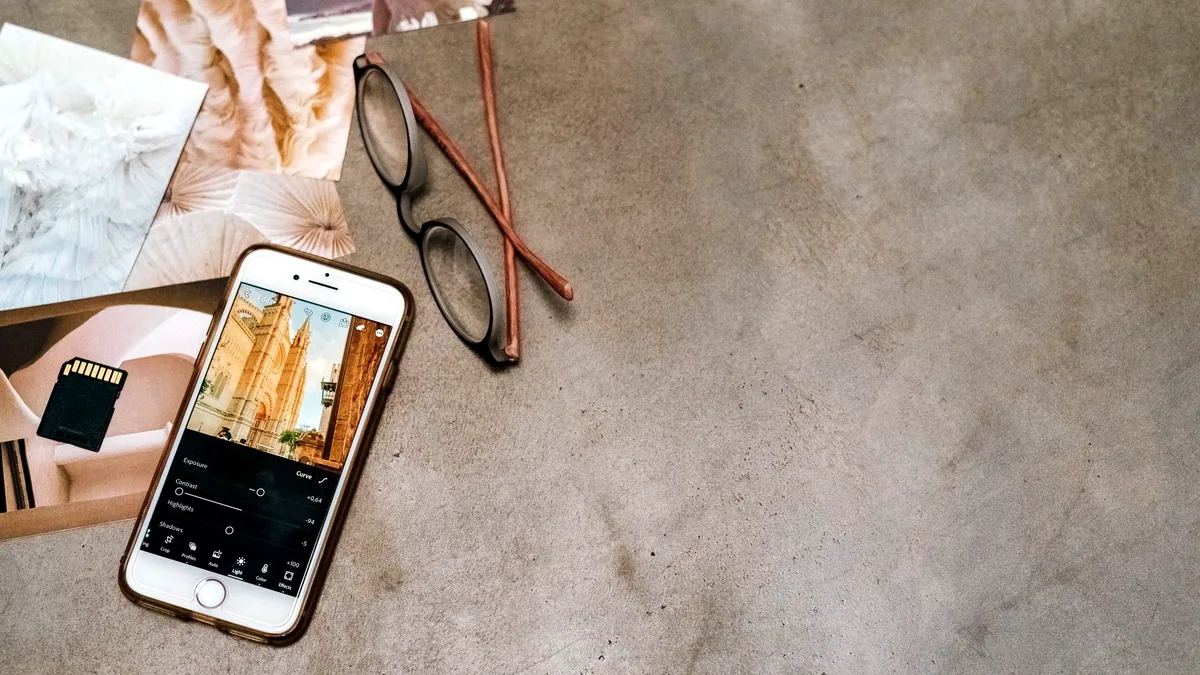
  • Working on a phone, where the answer is better than most people expect, since Photoshop on a phone covers a free app that does layers, masks and selections.
  • Illustrator and vector work, plus PaintShop Pro, which is alive and still sold, and Fireworks, which is not and gets history instead.

What this site will not do

Three limits, stated plainly. There is no PDF to download and no beginners course in numbered classes: every page is one operation, written for someone with the program open on a second monitor who will read 4 sentences and switch back. Every page is in English, so if you need a tutorial in Tamil or Bangla this is not the site that can help you honestly. And this site names no crack, no serial, no keygen and no unauthorised download, for any program, in any version. The question underneath that search is a fair one and it gets a full answer: the free and lawful routes, including a free Photoshop app and 4 free desktop and browser programs, are set out on their own page rather than avoided.

The operations, and what each one is worth now

PHOTOSHOPPhotoshop, operation by operationPHOTOSHOPRemoving a background in PhotoshopHow to remove a background in PhotoshopONE CLICK NOWPHOTOSHOPBlend modes, and what each one is forPhotoshop blend modes and what each one is forCURRENTPHOTOSHOPSelective colourSelective colour in PhotoshopCURRENTPHOTOSHOPChanging one colour in a photoHow to change one colour in a photoCURRENTPHOTOSHOPPatterns, and how to make your ownUsing them and making your ownCURRENTPHOTOSHOPBrushes, and where the free ones arePhotoshop brushes, and where the free ones areCURRENTPHOTOSHOPTextures and overlaysTextures and overlays in PhotoshopCURRENTPHOTOSHOPThe effects this site taught, and which ones agedPHOTOSHOPPortrait retouching, and how far to goPortrait retouching in Photoshop, and how far to goCURRENTPHOTOSHOPPhotoshop on a phoneWhat actually worksCURRENTPHOTOSHOPWhat to use instead, free and lawfulWhat to use instead of Photoshop, free and lawfulPHOTOSHOPPhotoshop: the first hourPhotoshop for beginners: the first hourPHOTOSHOPSwapping a faceHow to swap a face in PhotoshopCURRENTILLUSTRATORIllustrator, operation by operationILLUSTRATORIllustrator: the first hourIllustrator for beginners: the first hourILLUSTRATORTurning an image into vectorTurning an image into vector with Image TraceONE CLICK NOWILLUSTRATORGradientsGradients in IllustratorCURRENTILLUSTRATORKerning and trackingKerning and tracking in IllustratorCURRENTILLUSTRATORIllustrator or InDesignWhich one for the jobILLUSTRATORWhat the generative tools actually do to your vector artworkWhat the generative tools in Illustrator actually doCURRENTPAINTSHOP PROPaintShop Pro, and where it stands nowWhat it is and where it stands nowCURRENTPAINTSHOP PROJasc Paint Shop Pro: the image editor, and which version is currentJasc Paint Shop Pro and what became of itCURRENTFIREWORKSAdobe Fireworks: the design tool that went, and what replaced itWhat it was and what replaced itDISCONTINUEDFIREWORKSWhat designers use instead: the image and interface tools that took the workWhat designers use instead of FireworksDISCONTINUED

By program